
If you don't have any of the following options to access BookRouter™ from your current legacy admin, please email support@bibliopolis.com or call us and we will enable it for you.
If your account has the new BookRouter™ platform installed, there are three ways to get to it. If none of these appear for you, the new platform is not installed yet: email support@bibliopolis.com or contact us to request it.
Option one: the Open BookRouter button
If you see the following banner when you login to your legacy admin account, then BookRouter™ is already installed. Click Open BookRouter at the right of the banner.

Option two: go there directly
The new admin lives at YOURDOMAIN.com/bookrouter (replace YOURDOMAIN with your actual domain name). Log in with the same username and password as your legacy account.
Option three: switch from the account menu
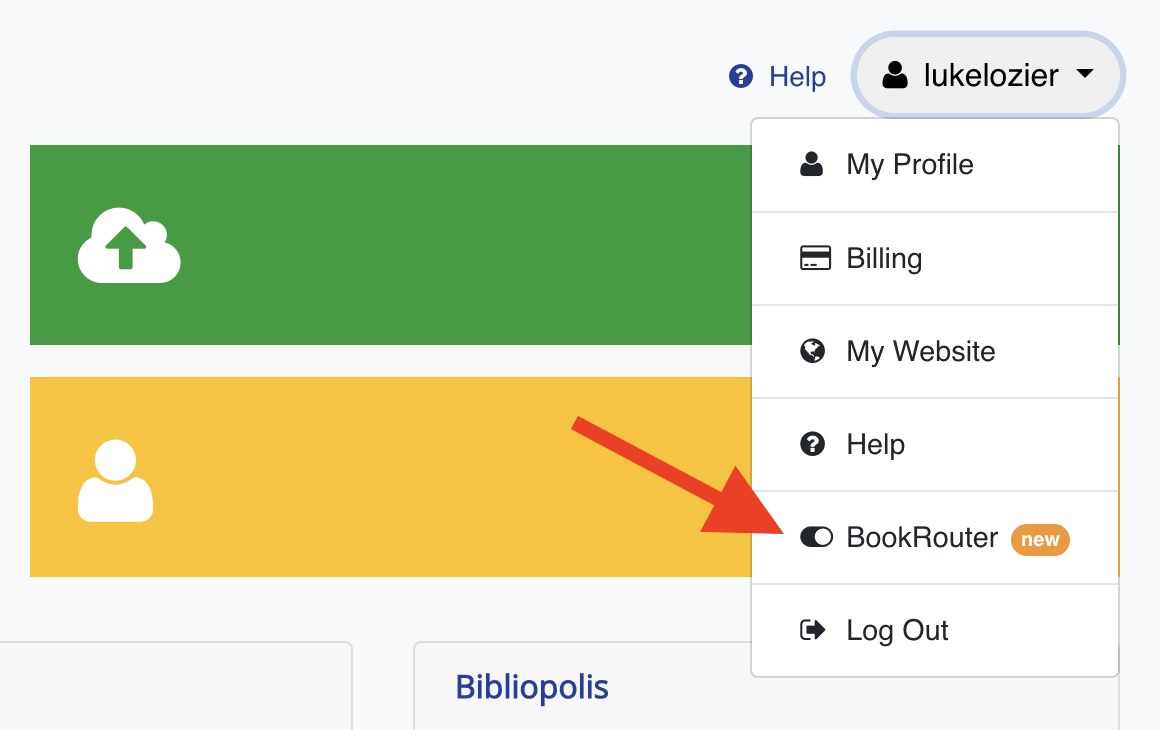
From inside the legacy admin, click your username at the top right and choose the BookRouter toggle in the dropdown.
Switching back to the legacy view
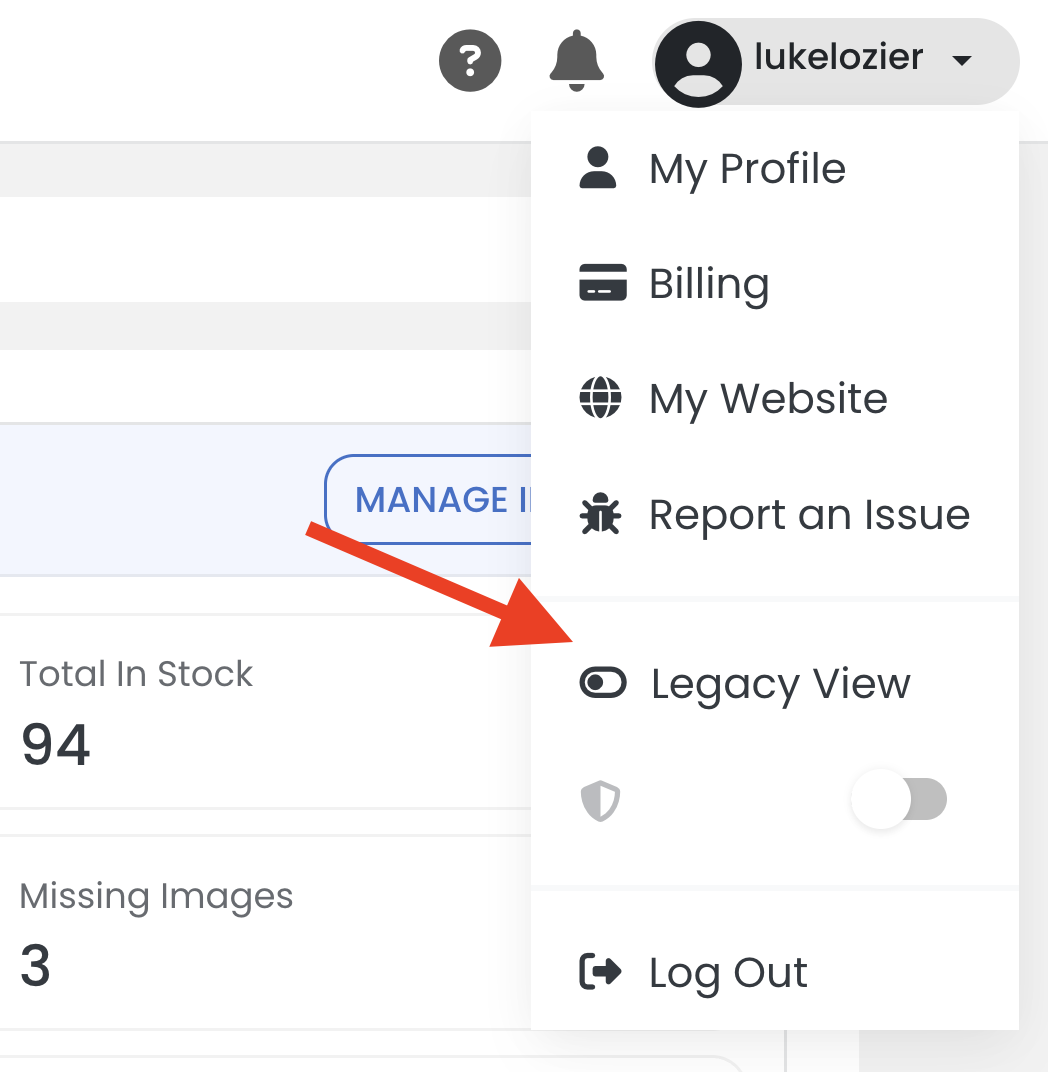
Inside the new admin, the same account menu (your username, top right) has a Legacy View toggle that returns you to the legacy admin.